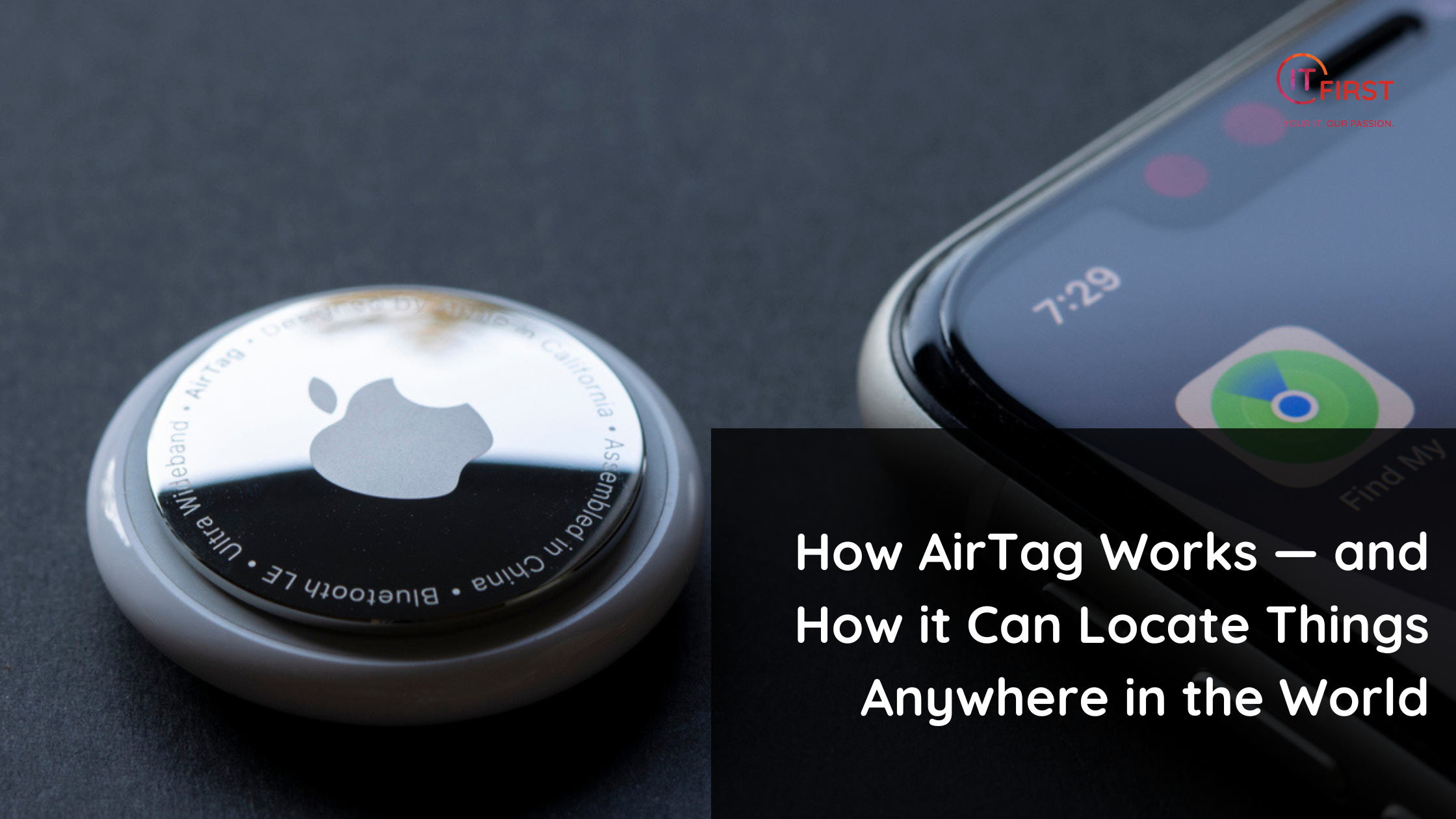
Apple’s AirTag is a tiny, battery-powered tracker designed to help you find lost items—keys, bags, luggage, and more. What makes it unusually powerful is that it can report a location even when it’s far away from your own phone. Here’s a clear, non-technical explanation of how AirTag finds things “anywhere,” what protections are built in, and the practical limits you should know.
The three building blocks of how AirTag works
- Short-range radios on the AirTag
AirTags broadcast a Bluetooth Low Energy (BLE) signal and (on supported models) can also use Ultra Wideband (UWB) for very precise, on-device direction-finding. The AirTag periodically transmits a changing identifier (not your Apple ID) that nearby devices can detect. - The “Find My” network (crowdsourced relay)
Other Apple devices (iPhones, iPads, Macs) that happen to be near the AirTag can detect its Bluetooth signal. Those devices — anonymously and securely — send the AirTag’s detected location to Apple’s iCloud, which then makes that location available to the AirTag’s owner. The owner sees the AirTag’s position inside the Find My app. - Encrypted, rotating identifiers and privacy
The identifier the AirTag emits rotates frequently. The relaying devices only see an ephemeral token and forward encrypted location data — Apple says it cannot learn the identity of the AirTag owner or the device that reported it. Only the AirTag owner, when signed in to their Apple ID, can view the location.
How AirTag can work “anywhere in the world”
AirTag itself has limited range (Bluetooth range is tens of metres). The “global” coverage comes from the density and ubiquity of Apple devices. When an AirTag is near any Apple device connected to the internet, that device can securely and anonymously relay the AirTag’s approximate GPS coordinates to the owner. That means:
- In places with lots of Apple devices (cities, airports, shopping centres), a lost AirTag is likely to be picked up quickly and its location updated.
- In remote areas with few or no Apple devices, location updates may not happen until the AirTag moves into range of an Apple device.
- Because the relays are done by other people’s devices, AirTag location updates are available worldwide where Apple devices are present and connected.
Precision finding and UWB
If you have a recent iPhone that supports Ultra Wideband (UWB), the Find My app can offer Precision Finding when you’re very close to the AirTag. UWB provides direction and distance cues (arrows, steps, and exact metres), making it easier to find items in a room or under a couch. Outside of UWB range, you’ll rely on the map location reported through the Find My network.
Lost Mode and NFC
If you mark an AirTag as lost, you can add a message and contact info. When someone finds the AirTag, they can tap it with an NFC-enabled phone (including many Android devices) and get the message and instructions to contact you. That makes it convenient for returning lost items.
Security, anti-stalking, and privacy safeguards
Apple has added several protections to reduce misuse:
- Rotating identifiers: The Bluetooth identifier the AirTag emits changes frequently to prevent long-term tracking by third parties.
- Unwanted tracking alerts: iPhone users who find an unknown AirTag moving with them for an extended period will receive an alert. There are also options to locate and disable an unknown AirTag.
- Audible alert: An AirTag left away from its owner for a certain time will play a sound to help a person find it.
- Android detection: Apple provides an app (Tracker Detect) so Android users can scan for nearby unknown AirTags. This is helpful but requires manual scanning by the Android user.
Despite these measures, no system is perfect. AirTags have been misused in the past, which is why awareness and the built-in alerts are important.
Practical limitations and considerations
- Depends on nearby Apple devices: If you lose an AirTag where there are very few or no Apple devices, it won’t update until it comes near a device that can relay the signal.
- Battery life: AirTags use a replaceable CR2032 coin battery that typically lasts about a year, then needs replacing.
- Not for tracking people: AirTags are intended for personal items. Using them to track people without consent is illegal in many places and conflicts with Apple’s terms.
- Privacy tradeoffs: The system relies on millions of private devices acting as relays; Apple encrypts and anonymises that process, but it’s still crowdsourced infrastructure.
Best practices for users
- Register each AirTag with your Apple ID and label it clearly in Find My.
- Enable Lost Mode if an item goes missing and add contact instructions.
- Replace the battery annually and verify the AirTag shows as active in Find My.
- Don’t use AirTags to track people or vehicles without explicit permission.
- Keep your iPhone and Find My settings up to date so you receive unwanted-tracking alerts and other protections.
Final thought
AirTag’s power comes from combining local, low-power hardware with a massive, global network of Apple devices. That crowdsourced relay model is why a tiny Bluetooth tag can report a location practically anywhere people carry iPhones and iPads. It’s a clever balance of convenience and privacy—but it works best where Apple devices are common and when used responsibly.
This post was written by AI and reviewed for quality and accuracy by a real human.