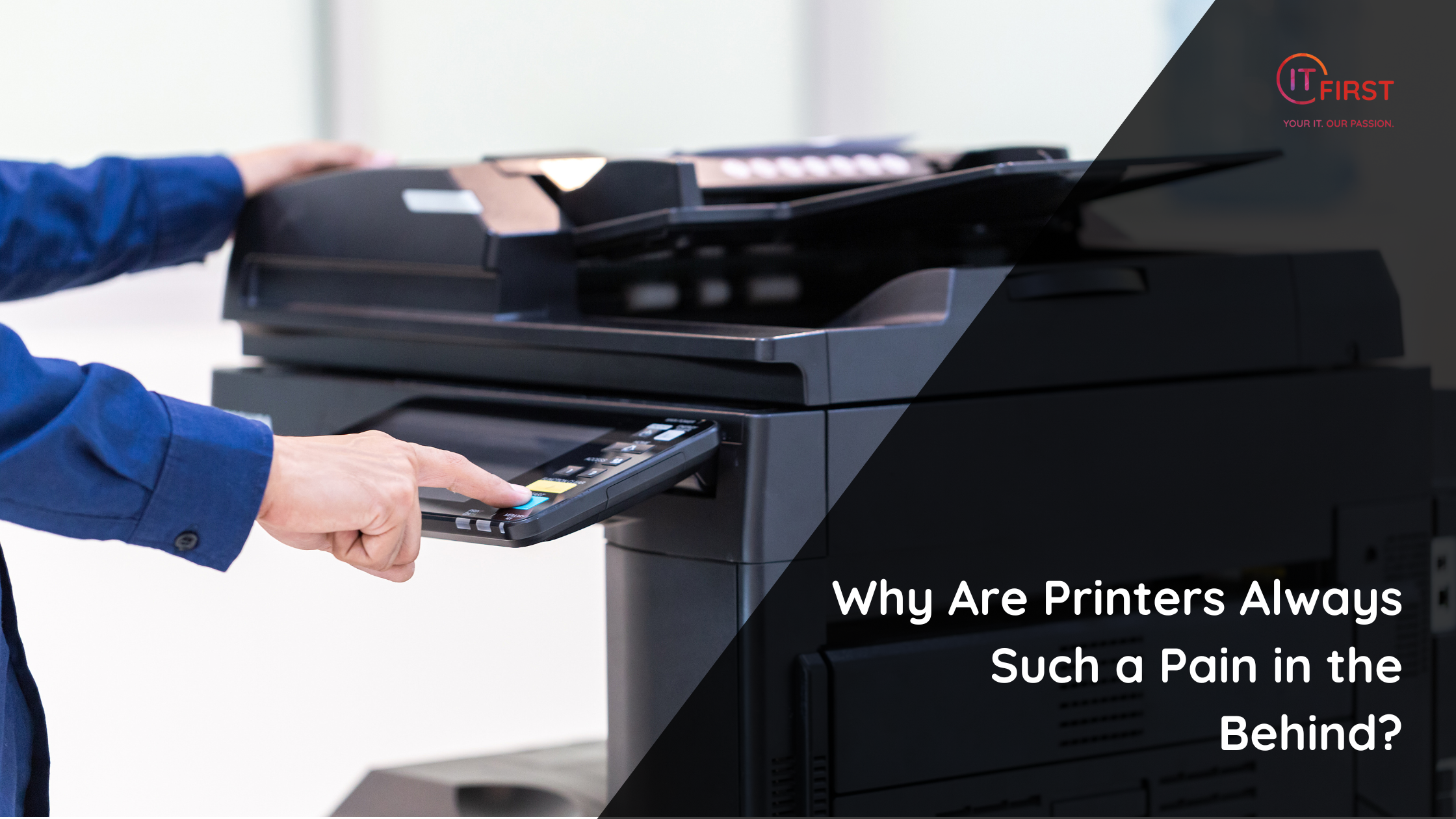
If you’ve ever tried to print a document five minutes before a meeting, you already know the struggle — printers have an uncanny ability to sense urgency. Whether it’s a jammed paper tray, missing driver, or mysterious “offline” message, printers are notorious for causing chaos at the worst possible time. But why does printing technology, which has existed for decades, still feel like a battle?
- Printers Are a Mix of Old and New Technology
Printers are one of the few devices that still rely on hardware and software components from multiple eras. Your sleek modern laptop is trying to communicate with a printer whose firmware may be years out of date — often over WiFi, Bluetooth, or ancient USB protocols.
This mismatch creates endless compatibility issues, and every manufacturer seems to have its own drivers, apps, and update quirks.
- Mechanical Complexity
Unlike purely digital devices, printers are mechanical beasts. They rely on rollers, belts, sensors, and ink or toner cartridges — all of which can misalign, wear out, or jam. Add in paper of different weights and humidity levels, and it’s no wonder even small environmental changes can send them into meltdown mode.
- Driver and Software Nightmares
Printer drivers are one of the biggest pain points. They’re often bloated, outdated, or incompatible with newer operating systems. Sometimes, the driver you downloaded last week is already replaced by another version — and uninstalling the wrong one can leave ghost printers haunting your device list for years.
- WiFi Printing Woes
Wireless printing was supposed to make life easier, but it often does the opposite.
Printers disconnect from networks without explanation, forget their IP addresses, or become invisible to every device except one random computer that nobody remembers the password for.
- Ink and Toner Shenanigans
Printer ink is famously expensive — sometimes more valuable per millilitre than champagne or perfume. On top of that, many printers refuse to work if a single cartridge is low, even if you’re only printing in black and white. Some even “expire” unused cartridges based on the date, not the ink level.
- Manufacturers’ Tricks
Some printer brands intentionally restrict third-party ink cartridges or require proprietary apps for basic printing. These “ecosystem locks” are designed to keep customers dependent on expensive consumables — not to make your life easier.
- Outdated Assumptions
Printers were originally designed for offices with on-site IT staff. Today, they’re used in homes, small businesses, and classrooms where users are expected to troubleshoot them solo. Unfortunately, printer UX hasn’t caught up to the reality of how people actually use them.
So, What Can You Do?
- Buy smart: Choose printers with good driver support and active updates.
- Keep it wired: USB or Ethernet connections are often more reliable than WiFi.
- Use cloud printing: Services like Microsoft Universal Print or AirPrint simplify connectivity.
- Don’t hoard ink: Replace cartridges only when needed and keep spares sealed.
- Restart often: Many printer issues disappear with a simple power cycle.
The Bottom Line
Printers aren’t evil — they’re just victims of too much legacy tech and too little innovation. Until someone reinvents printing from the ground up, expect to keep tapping that “Print” button, whispering a quick prayer, and hoping the paper gods are on your side.
Quick Tip:
If your printer keeps showing as “offline,” remove it completely from your devices list and re-add it fresh — 80% of the time, that alone fixes the issue.
Did You Know?
Printer ink can cost up to R50,000 per litre — making it more expensive than many luxury liquids, including Chanel perfume and human blood by volume.
This post was written by AI and reviewed for quality and accuracy by a real human.