Your PC is one of the most important tools in your digital life, whether you use it for work, gaming, or just browsing the web. But computers don’t last forever — and knowing when to upgrade or replace your machine can save you frustration, time, and even money.
- When Performance No Longer Meets Your Needs
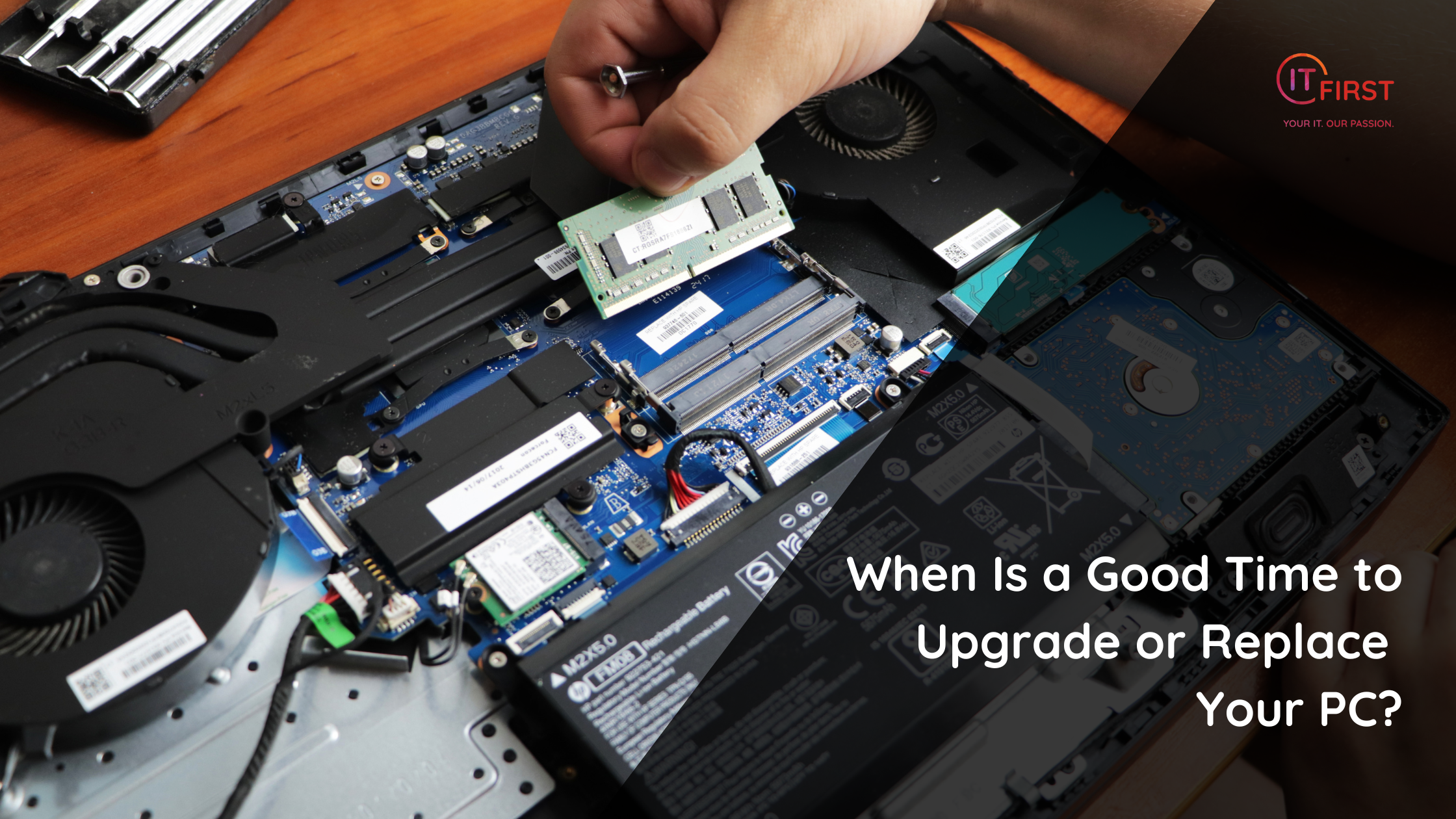
If your PC struggles to run modern software, takes forever to boot up, or freezes under basic workloads, it may be time for an upgrade. Adding more RAM or switching to a solid-state drive (SSD) can breathe new life into an older system. But if the motherboard or CPU is outdated, replacement may be more cost-effective.
- When Hardware Support Ends
Manufacturers eventually stop releasing driver updates for older components. Without updates, your PC may become unstable or incompatible with new applications. If your hardware is more than 5–7 years old, check whether it’s still officially supported.
- When Security Updates Stop Coming
Operating systems have an end-of-life date. For example, Microsoft ended support for Windows 7 in January 2020. Running an unsupported OS means no more security patches, leaving your system exposed. If your PC can’t run the latest OS, it’s time to replace it.
- When Repair Costs Outweigh Replacement
If fixing your old machine costs as much as buying a new one, replacement makes more sense. A good rule of thumb: if the repair costs more than half the price of a new computer, consider upgrading instead.
- When Your Needs Have Changed
If you’ve shifted from light browsing to video editing, coding, or gaming, your current PC may not keep up. Buying a system that matches your new workload is often smarter than endlessly patching the old one.
Signs It’s Definitely Time to Replace
- Frequent crashes and hardware failures
- Inability to install the latest OS updates
- Fans constantly running at full speed
- Apps that used to run smoothly now lagging badly
- Hardware that is more than 7–8 years old
The Bottom Line
Upgrades like RAM, SSDs, or graphics cards can extend your PC’s life — but eventually, replacement becomes the smarter, safer choice. Evaluate your performance needs, security requirements, and budget to decide whether to upgrade or invest in a brand-new system.
Transparency Notice: This article was crafted with the assistance of advanced AI tools to enhance clarity and structure. Every fact, statement, and explanation has been reviewed and verified by a human subject-matter expert to ensure accuracy, reliability, and value for our readers.