
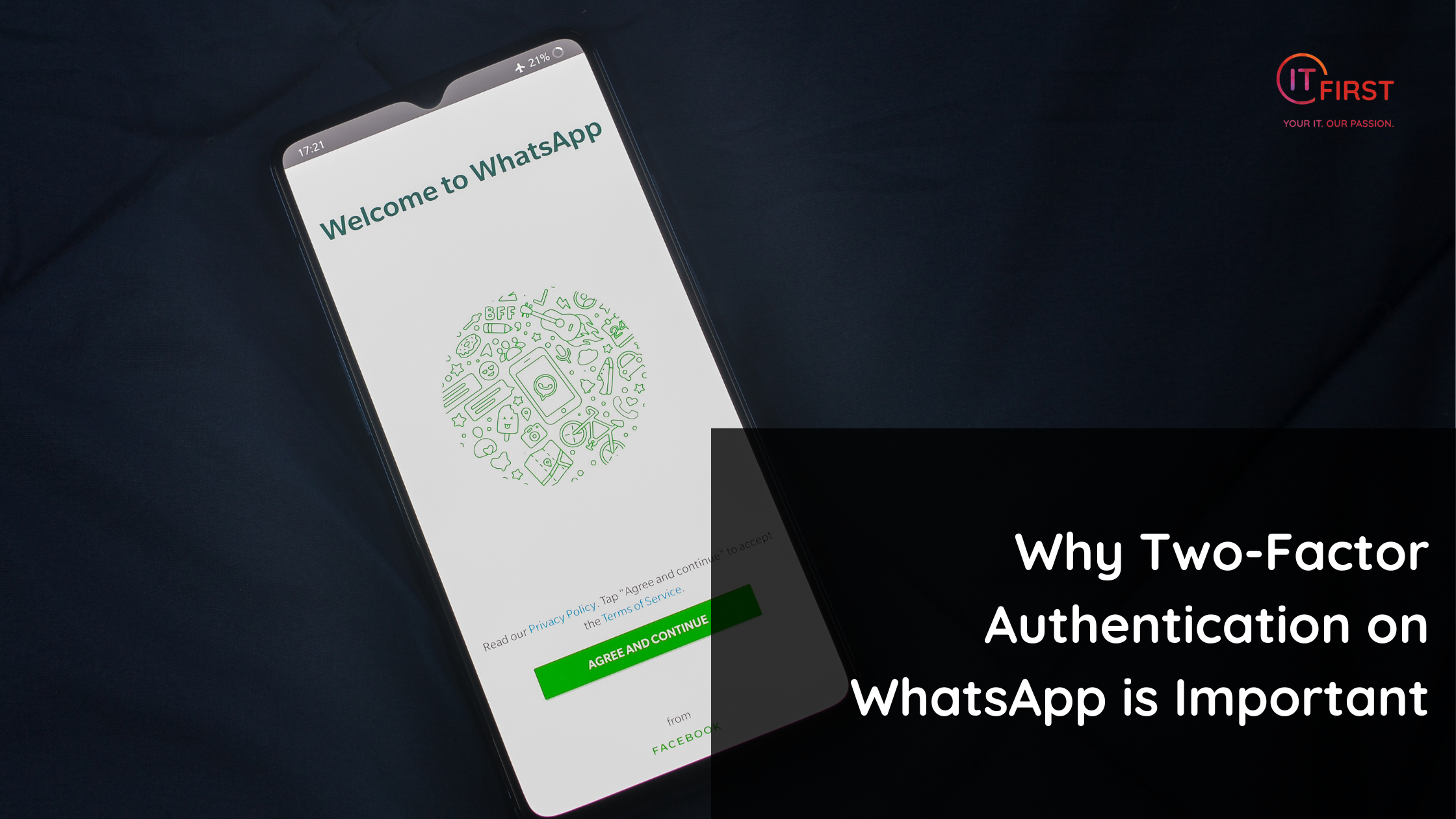
WhatsApp has become one of the most widely used communication tools in the world — not just for chatting with friends, but also for business communication, sharing documents, and even receiving banking alerts. With so much personal and sensitive information flowing through the app, securing your account is more important than ever.
One of the easiest and most effective ways to protect your WhatsApp account is by enabling Two-Factor Authentication (TFA).
What is TFA on WhatsApp?
Two-Factor Authentication adds an extra layer of security to your account. In WhatsApp’s case, it means that in addition to your phone number and SMS verification code, you’ll set up a six-digit PIN.
Even if someone manages to steal your SIM card or clone your number, they cannot access your WhatsApp without that PIN.
Why It’s So Important
- Protects Against SIM Swap Fraud
SIM swap scams are on the rise in South Africa and globally. Criminals trick your mobile provider into giving them control of your number. With TFA, even if they hijack your SIM, they still can’t log in to your WhatsApp without your PIN. - Stops Account Takeovers
If someone guesses or intercepts your one-time verification code, they can hijack your WhatsApp. With TFA enabled, they hit a dead end without your PIN. - Safeguards Your Contacts and Messages
Once a scammer gains access, they can message your contacts, pretend to be you, and run scams in your name. TFA prevents this chain of damage. - Extra Protection for Linked Devices
WhatsApp now allows use on multiple devices without your phone. TFA ensures no one can add a device without your approval.
How to Enable TFA on WhatsApp
- Open WhatsApp on your phone.
- Go to Settings > Privacy > Two-Step Verification.
- Tap Enable.
- Set a secure six-digit PIN and add an email address for recovery in case you forget it.
Best Practices
- Choose a unique PIN that you don’t use elsewhere.
- Add an email address so you can reset your PIN if you forget it.
- Don’t share your PIN with anyone — not even someone claiming to be from WhatsApp.
The Bottom Line
Your phone number can be stolen or hijacked. But with Two-Factor Authentication enabled on WhatsApp, your account becomes much harder to compromise.
It’s a quick setup that could save you from losing your account — and your digital identity.
Transparency Notice: This article was crafted with the assistance of advanced AI tools to enhance clarity and structure. Every fact, statement, and explanation has been reviewed and verified by a human subject-matter expert to ensure accuracy, reliability, and value for our readers.