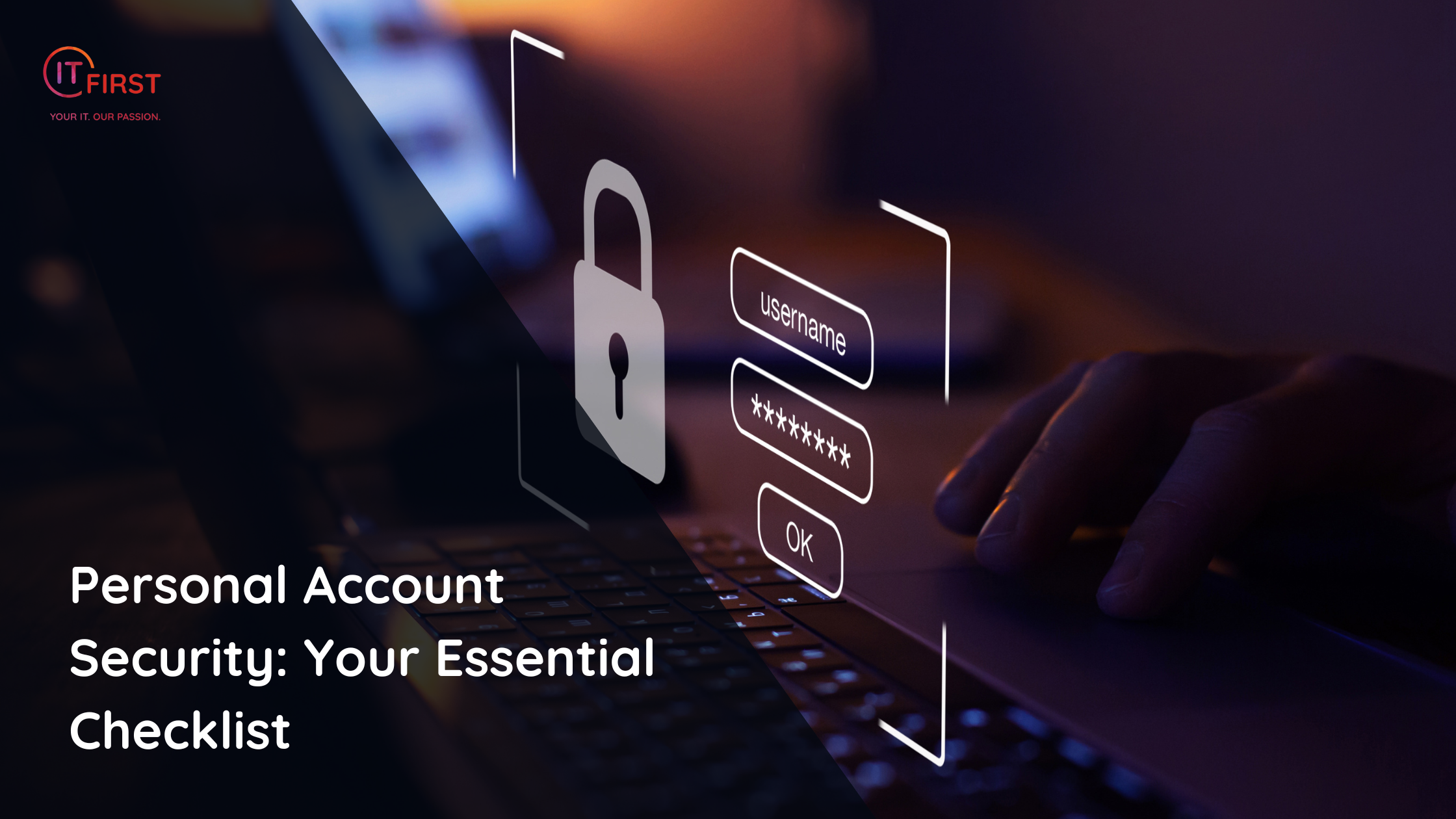
In today’s digital world, your online accounts are gateways to your personal, financial, and professional life. From email and banking to cloud storage and social media, securing these accounts isn’t optional — it’s essential.
Here’s a simple yet comprehensive checklist to keep your accounts safe from hackers and scammers.
- Use a Reputable Password Manager
Tools like LastPass, Bitwarden, or 1Password securely store your credentials and help you manage them across devices. A password manager also makes it easy to generate unique, complex passwords for every account — so you don’t have to remember them all.
- Generate and Use Secure Passwords
A strong password should be:
- At least 12–16 characters long
- A mix of letters, numbers, and symbols
- Completely unrelated to your personal information
Avoid obvious passwords like 123456 or password, and don’t base them on your birthday or pet’s name.
- Enable Two-Factor Authentication (TFA)
Wherever possible, turn on TFA for your accounts. This extra step — often a code sent to your phone or generated by an app — adds a critical layer of protection. Even if a hacker gets your password, they’ll need your second factor to log in.
- Make Sure Windows Defender is Turned On
If you’re on a Windows PC, ensure that Windows Security (Windows Defender) is running and updated. It provides excellent real-time protection against viruses, malware, and phishing attempts without needing additional antivirus software.
- Never Reuse Passwords
Reusing passwords is one of the fastest ways for hackers to compromise multiple accounts if one service is breached. Every account should have its own unique password — your password manager can help you keep track of them.
- Keep Backups of Important Files
Use Microsoft OneDrive, Google Drive, Dropbox, or another secure cloud storage service to back up your important files. This protects your data from loss due to hardware failure, theft, or ransomware attacks.
- Check for Remote Access Applications
Look for any installed remote access tools such as TeamViewer, AnyDesk, or Chrome Remote Desktop.
If you don’t actively use them, uninstall them.
If you do use them, make sure unattended access is disabled so no one can connect to your computer without your knowledge.
Final Tip
Cybersecurity isn’t about doing one big thing once — it’s about maintaining good habits every day. Review this checklist regularly and update your security measures as new threats emerge.
Transparency Notice: This article was crafted with the assistance of advanced AI tools to enhance clarity and structure. Every fact, statement, and explanation has been reviewed and verified by a human subject-matter expert to ensure accuracy, reliability, and value for our readers.