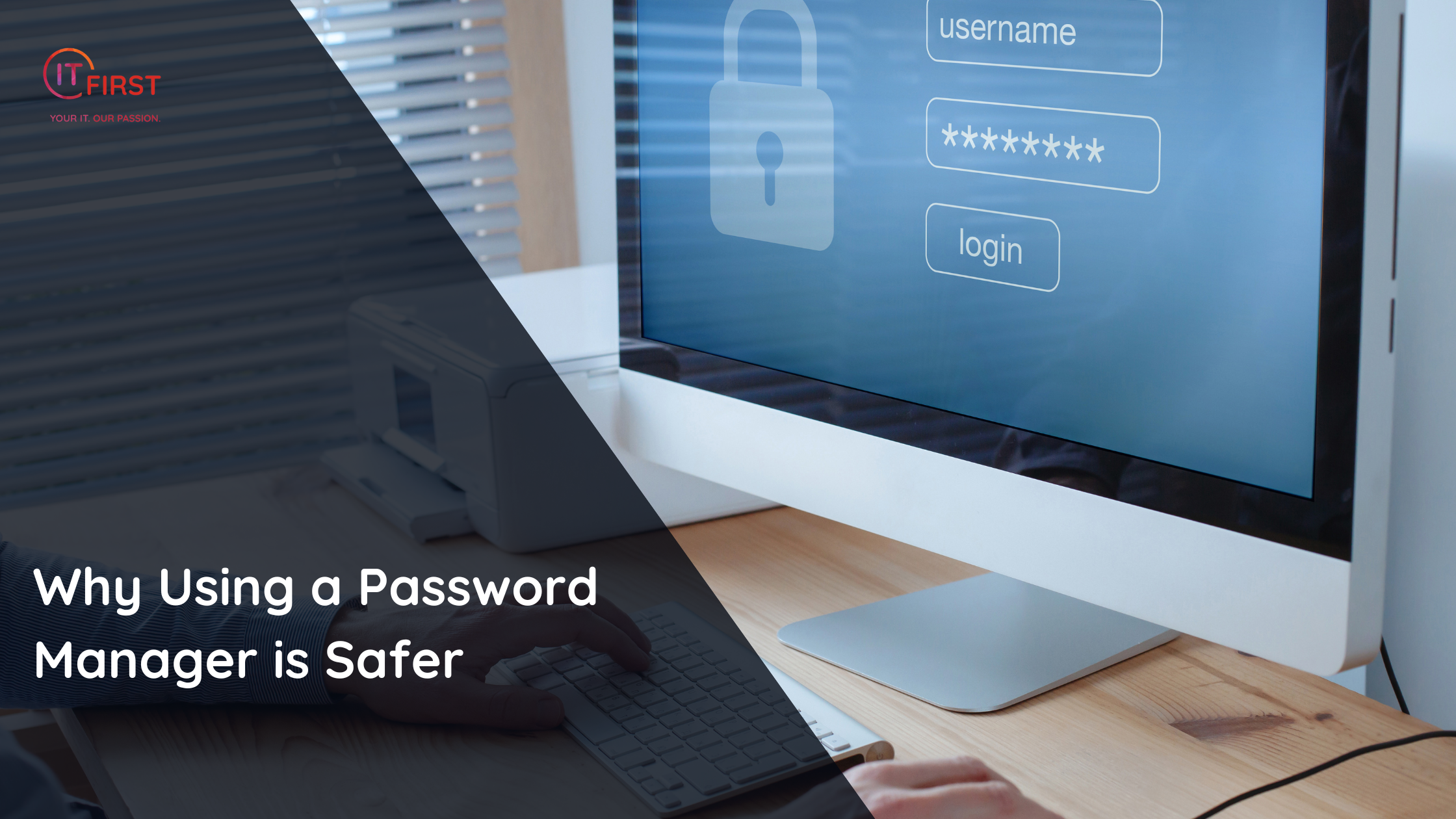
Managing passwords is one of the biggest challenges of modern online life. Between email, banking, social media, work accounts, and online shopping, the average person has dozens of logins — and trying to remember them all often leads to risky shortcuts.
That’s where password managers come in. They’re not just convenient — they’re one of the safest ways to protect your online identity.
The Problem Without a Password Manager
- People often reuse the same password across multiple accounts.
- Many choose weak or predictable passwords that are easy to guess.
- Writing them down in notebooks, spreadsheets, or even browser notes leaves them vulnerable.
These habits make you an easy target if even one site is hacked.
How Password Managers Keep You Safe
- Generate Strong Passwords
Password managers create long, random, and unique passwords that hackers can’t easily crack. - Store Securely
They encrypt your credentials with strong algorithms, meaning even if someone gets hold of the database, they can’t read your data. - One Master Password
You only need to remember one strong password to unlock your vault. Everything else is handled automatically. - Fill Forms Safely
Password managers auto-fill your login details only on the correct websites, helping you avoid phishing traps. - Cross-Device Sync
Whether you’re on your PC, phone, or tablet, your passwords are available securely everywhere you log in.
Popular Password Managers
- LastPass
- 1Password
- Bitwarden
- Dashlane
Each offers cloud sync, browser extensions, and mobile apps, making secure password use effortless.
The Bottom Line
By using a password manager, you don’t have to rely on memory or bad habits. Instead, you get a strong, unique password for every account, protected behind encryption and one master login.
It’s one of the simplest, most powerful steps you can take to boost your personal security online.