
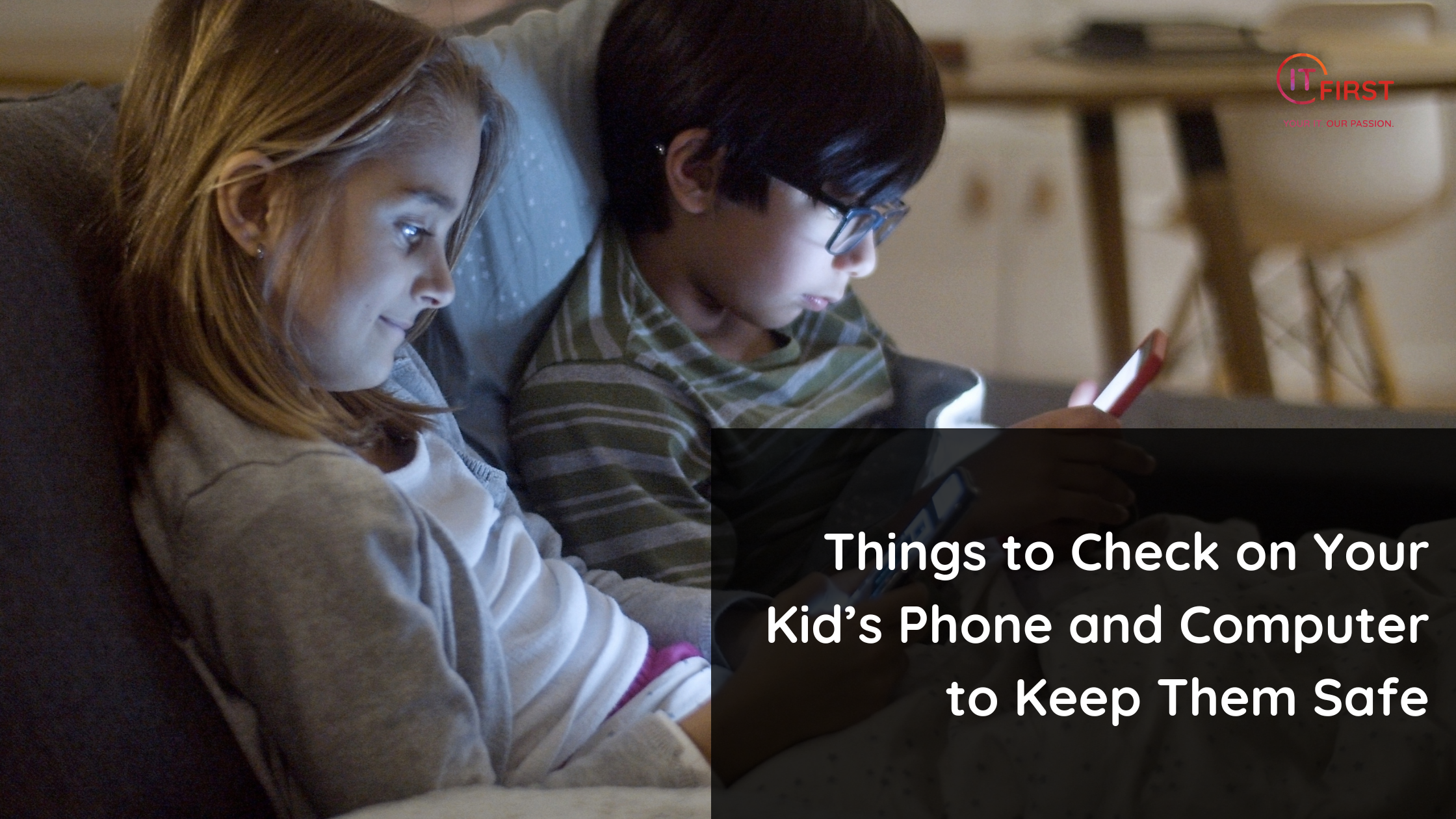
Technology plays a huge role in children’s lives today—from schoolwork and entertainment to socializing and gaming. But with that constant connection comes exposure to risks like cyberbullying, inappropriate content, and online predators.
Fortunately, with a few simple steps and consistent involvement, you can help make your child’s digital world a much safer and more responsible space.
Here’s how:
Check Installed Apps and Games
Regularly review the apps and games your child has downloaded. Be especially mindful of:
-
Social media platforms like TikTok, Snapchat, or Instagram
-
Anonymous messaging apps that allow strangers to connect
-
Online multiplayer games with unmoderated chat features
If an app or game doesn’t seem age-appropriate or has limited safety settings, consider discussing it with your child or removing it.
Review Search History & Browser Activity
Take a look at your child’s browsing history from time to time. It’s not about invading privacy—it’s a chance to:
-
Understand what topics interest them
-
Spot potential red flags or unsafe content
-
Open up honest, non-judgmental conversations
Use it as a bridge for teaching critical thinking and digital boundaries.
Check Screen Time Settings
Most devices today offer built-in tools to monitor app usage and set limits. You can:
-
Set daily screen time caps
-
Schedule “downtime” (e.g. during meals or before bed)
-
Monitor which apps take up the most time
This helps promote balance and reduce overexposure to certain types of content.
Review Contacts & Messages
Occasionally check messages and friend lists, especially in games or apps with chat features. Look for:
-
Conversations with unknown users
-
Inappropriate language or behaviors
-
Unusual secrecy or reluctance to share details
Teach your child to never share personal information or respond to strangers online.
Set Up Parental Controls
Use parental control tools available on:
-
Phones and tablets
-
Browsers (e.g. Google SafeSearch)
-
YouTube and streaming platforms
-
Gaming consoles like Xbox or PlayStation
These settings help filter explicit content, limit spending, and manage access to online features.
Update Privacy Settings
Make sure your child’s profiles are set to private on apps like Instagram, TikTok, and Discord. Additionally:
-
Turn off location sharing
-
Disable options that allow unknown users to message or follow
-
Review tagged content and sharing settings regularly
Privacy settings are essential to help prevent unwanted attention or data leaks.
Keep the Conversation Going
Parental involvement isn’t about spying—it’s about protecting and empowering. Stay involved, ask questions, and encourage your child to come to you with anything that feels off or unsafe. Together, you can build a foundation of digital responsibility and trust.
This post was written with assistance from AI and reviewed for clarity and accuracy by a real human.